 07
07Five in a row. Every square a photo.
Guests hunt the party for the moments on their card, snap them, and race to call bingo while the venue screen keeps score. You keep every photo.


Toast the birthday
Squad photo
Make a wish
Photo booth
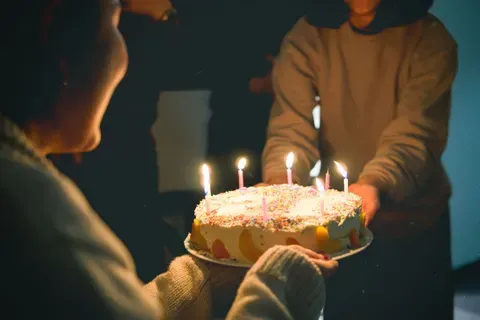
Cut the cake

Selfie with the star
The gift table
Sparkler moment
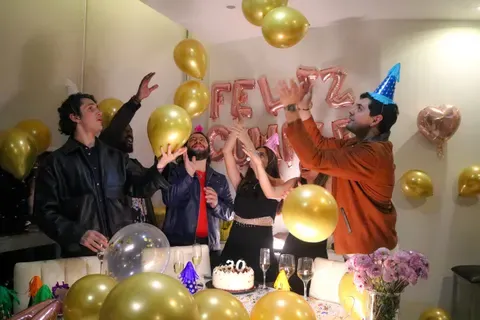
30
Best dressed
Balloon wall
Belly laugh

Confetti drop

A quiet moment
Cheers
The grand entrance
Birthday selfie

Scan and play, nothing to installAny phoneEvery photo is yours
Call it at weddings, birthdays, baby showers, reunions, office parties and whatever you’re throwing next.
Write the card. Deal it out. Call bingo.
01
Choose your squares
Pick from ready-made prompts for weddings, birthdays and corporate events, then reword them until they sound like your crowd.
02
Share the QR code
Put it on tables or in your invites. Scanning it is the entire sign-up.
03
Race to five
Guests snap each square, photos roll into a live feed, and the big screen keeps score.
04
Take the album home
Download the full album the moment your event ends. It stays online for 30 days.
Put the scoreboard on the big screen.
Every photo lands on the venue screen in seconds, and the leaderboard shifts with it. Any TV or projector with an HDMI port will do.





Dress the card to match your party.
Every theme repaints the card, the squares, and the center monogram. Tap a swatch to try one, then mark squares to see it in play.
Classic
Maya & Teo
Maya & TeoClassic
Classic · 5×5 · 24 prompts
Every event comes with all of this.
Custom bingo tiles
Write squares only your crowd would get: inside jokes, family names, the venue.
Works on any phone
No app to download. Guests scan a QR and play, on Wi-Fi or their own mobile data.
Live photo feed
Every marked square needs a photo, so your album builds itself while the game runs.
Post-event download
Every photo saved. Nothing left stranded on guests’ phones.
AI photo screening
Uploads are checked automatically for inappropriate content. You can turn it off per event.
Real-time leaderboard
Line, double line, full blackout. Scores update live.
Social share
Guests share their card as a themed image.
Multi-organizer
Invite up to 4 co-hosts to run it with you.
Event analytics
Participation, photos captured, and your top tiles.
One wedding, in the couple’s own words.
From 20+ events so far: 2,000+ photos, 200+ bingos.
We asked: Anyone unexpected get into it?
“My nephew, who is usually shy, ended up getting a blackout.”
Webster & KrystelleWedding, May 2026
When did you know it was working?
Guests started taking pictures with us on their own, especially selfies with the couple.
What did your guests say?
They loved it, especially once the cash prize got everyone motivated to join in.
Did it change the vibe?
Yes. It got guests up, active, and part of the night.
A favorite photo from it?
The bride and groom dancing together. It captured the love between them.
Three frames, three weddings
Photographed on the night, at three receptions. One phone, two big screens, nothing staged.
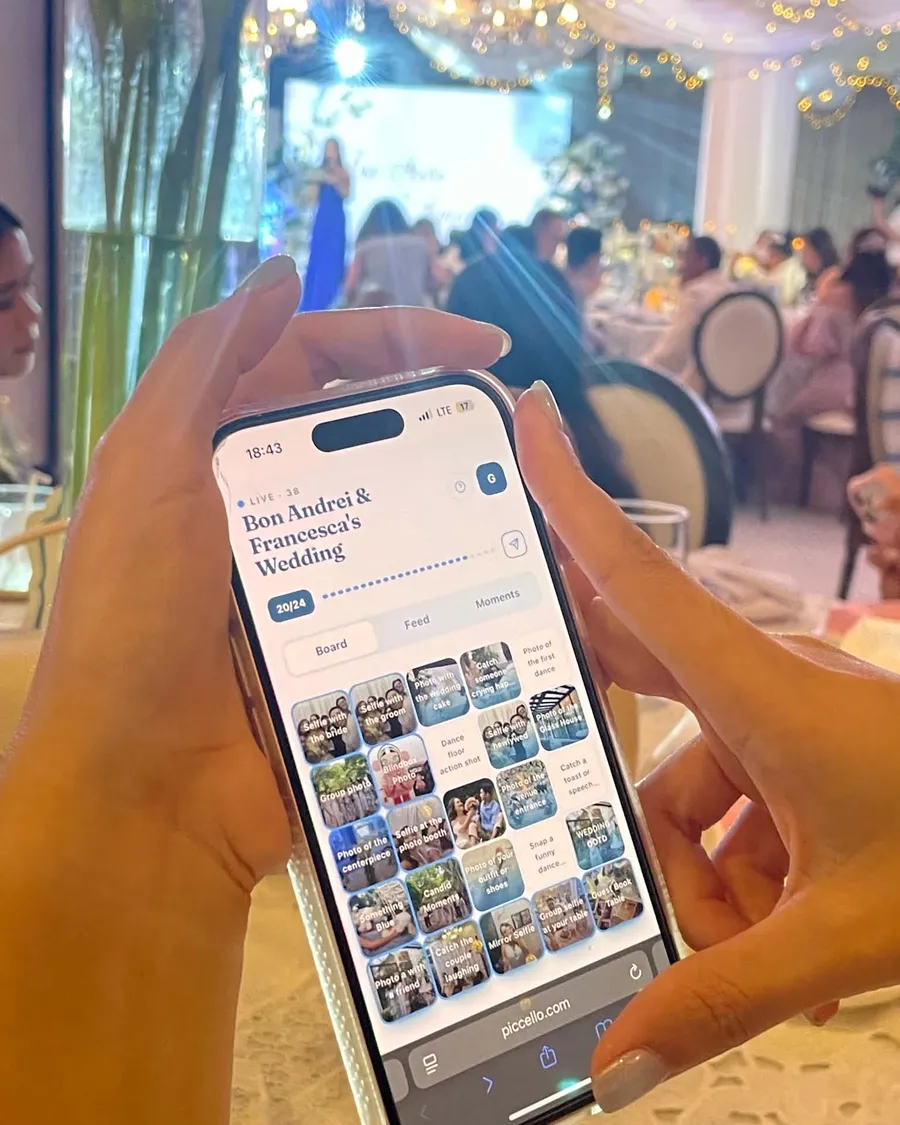
Twenty tiles in
BON ANDREI & FRANCESCA
A guest’s board partway through the reception, with thirty-eight people playing at the same time.
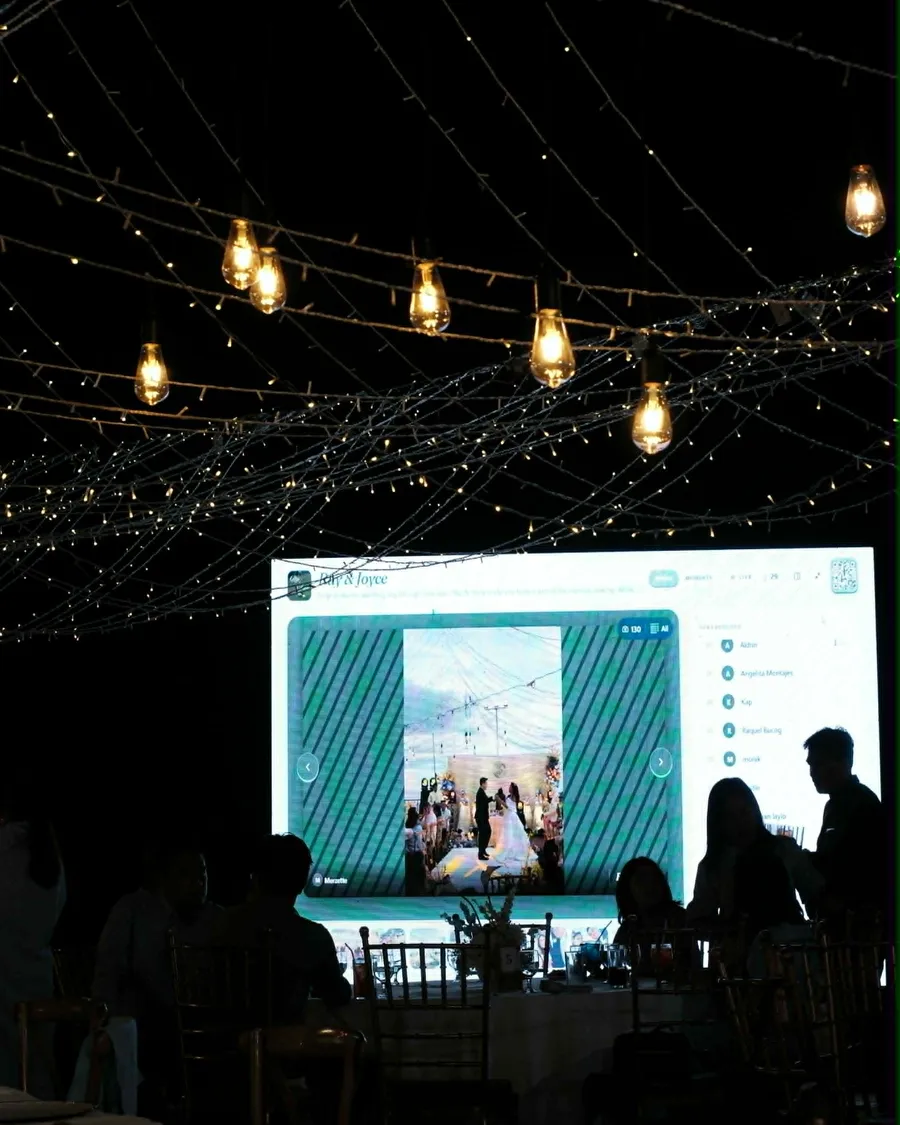
RAY & JOYCE
The wall between courses
RAY & JOYCE
The live feed on the LED wall under the string lights, 130 photos in and still filling.
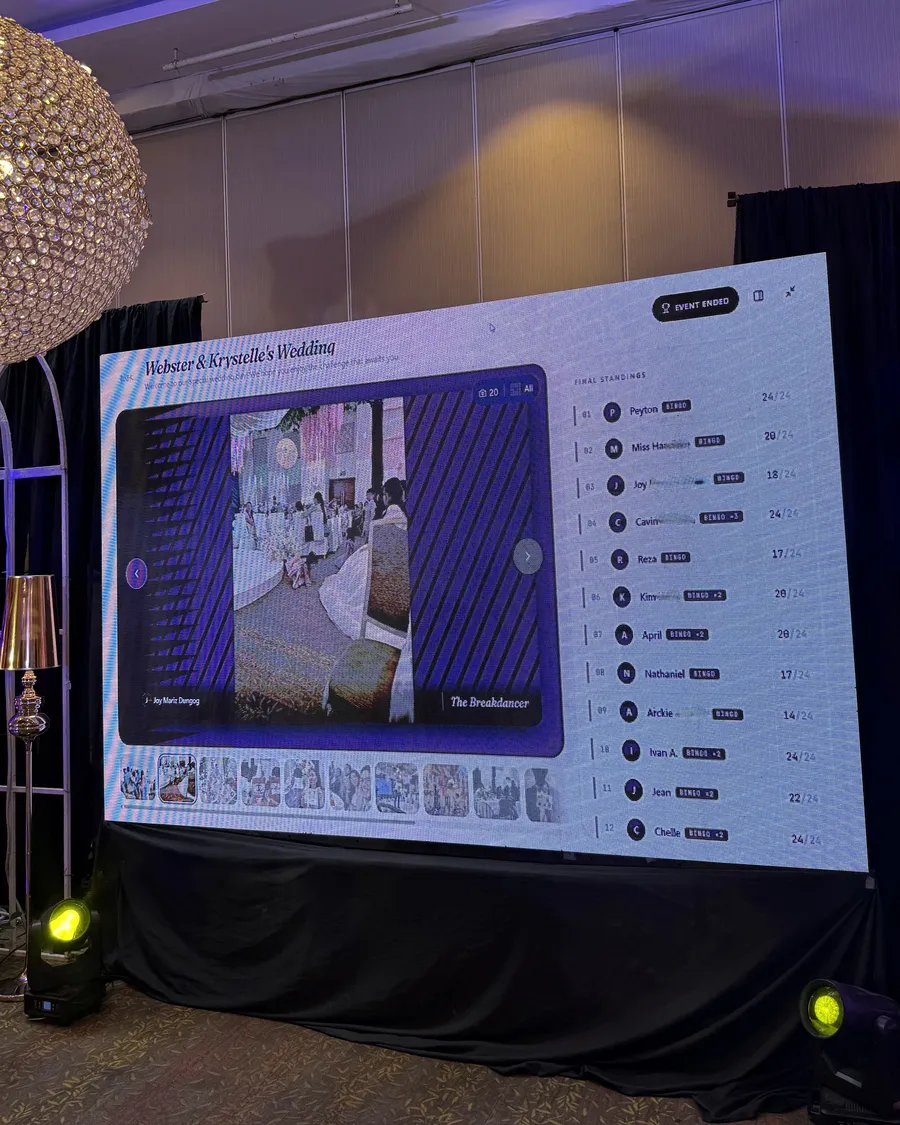
Final standings
WEBSTER & KRYSTELLE
How the night ended, up on the wall: twelve guests ranked, four of them on a full twenty-four.
When the last square is called, the album is ready.
Every marked square leaves a photo behind. When the event ends it’s one album, ready to download. No chasing guests for pictures.








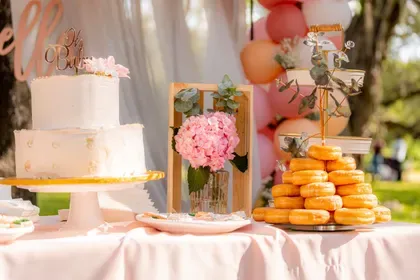



248 photos · one album · online for 30 days
One price per event, up to 300 guests.
per event
The full event, everyone playing, nothing per head.
Album online for 30 days
Book up to a year ahead
No per-guest fees
Spectator screen
Custom tiles
Full photo download
Real-time leaderboard
Email support, same-day reply
Free preview
Build the card and see the organizer side before you commit to anything.
Up to 8 guests
7-day photo window
Starts within 2 days
| Free preview | Per event | |
|---|---|---|
| Guests per event | Up to 8 | Up to 300 |
| Photo album window | 7 days | 30 days |
| Moments per guest | 10 | 50 |
| Event date | Starts within 2 days, runs up to 3 | Up to a year ahead |
| Everything else | Same game, big screen and album download | |
| Price | Free | |
Wi-Fi, guest limits, and who keeps the photos.
Still stuck? Email hello@piccello.comand we’ll reply the same day.
Clear a table and start calling.
Write the card, put the QR code on the tables, and let your guests do the rest.